

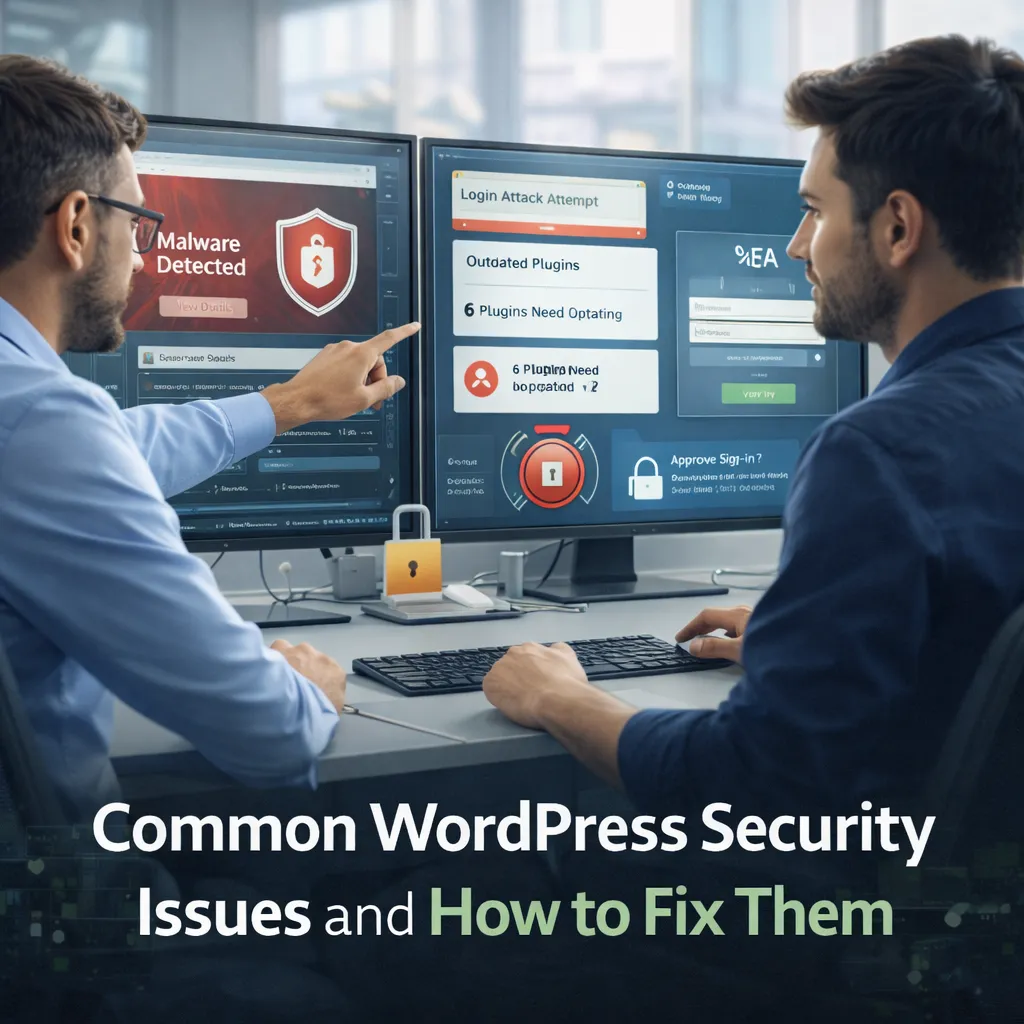
Common WordPress Security Issues and How to Fix Them
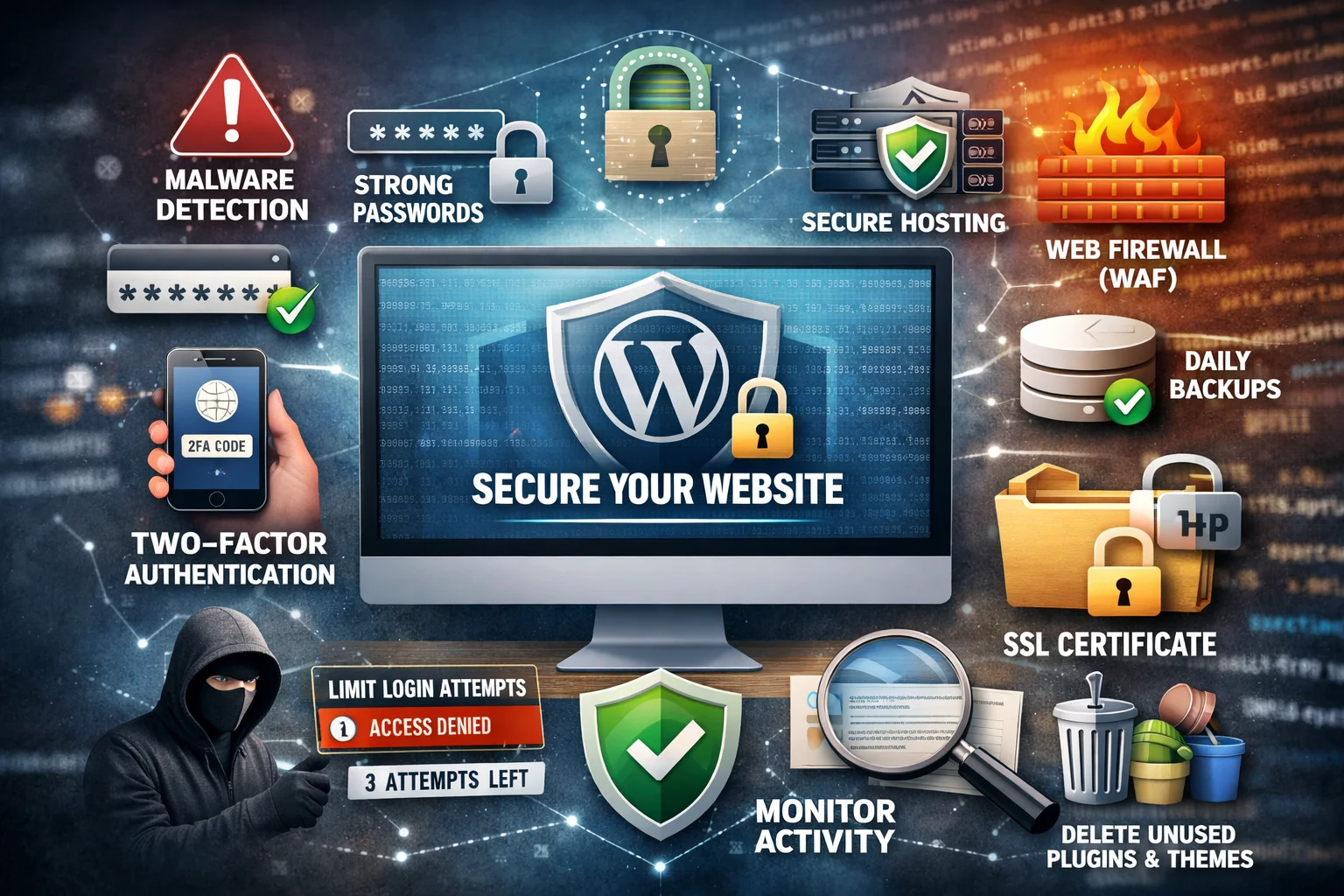
WordPress powers a large portion of the web, which makes it a frequent target for attackers. Contrary to popular belief, WordPress itself is not inherently insecure. Most security problems come from poor configuration, outdated software, weak credentials, or risky third-party plugins. Understanding common WordPress security issues and how to fix them is essential for protecting your website, data, reputation, and users.
Security is not a one-time setup. It is an ongoing process that combines best practices, monitoring, and disciplined maintenance. In this guide, we will walk through the most common WordPress security vulnerabilities seen in real-world projects and explain practical steps to fix and prevent them.
Why WordPress Websites Get Hacked
Attackers usually target the easiest entry points. WordPress sites are compromised not because they are popular, but because many are poorly maintained.
Top reasons WordPress sites get compromised
- Outdated WordPress core, themes, or plugins
- Weak or reused passwords
- Insecure plugins and themes
- Misconfigured hosting environments
- Lack of monitoring and backups
Most attacks are automated. Bots scan thousands of sites looking for known weaknesses.
Issue 1: Outdated WordPress Core, Themes, and Plugins
Running outdated software is the single biggest WordPress security risk.
Why updates matter
- Security vulnerabilities are publicly disclosed
- Attackers exploit known issues quickly
- Old versions are easy targets
How to fix it
- Enable automatic updates for minor releases
- Regularly update themes and plugins
- Remove unused themes and plugins
- Test updates on staging before production when possible
Keeping software current closes many attack vectors instantly.
Issue 2: Weak Passwords and Poor User Management
Brute force attacks remain extremely common.
Common mistakes
- Using simple or reused passwords
- Sharing admin accounts
- Leaving old user accounts active
How to fix it
- Enforce strong passwords
- Use unique accounts for each user
- Remove inactive users
- Apply least-privilege roles
Fewer admins and stronger passwords dramatically reduce risk.
Issue 3: Insecure Plugins and Themes
Plugins and themes are powerful, but they also expand the attack surface.
Risks associated with plugins
- Poorly written code
- Abandoned plugins without updates
- Excessive permissions
How to fix it
- Install plugins only when necessary
- Choose plugins with active maintenance
- Delete plugins you do not use
- Avoid nulled or pirated themes
Quality matters more than quantity.
Issue 4: Lack of HTTPS and Secure Cookies
Websites without HTTPS expose data in transit.
Why this is dangerous
- Credentials can be intercepted
- Sessions can be hijacked
- Search engines flag insecure sites
How to fix it
- Install an SSL certificate
- Force HTTPS across the site
- Use secure and HttpOnly cookies
HTTPS is now a baseline requirement, not an optional upgrade.
Issue 5: No Protection Against Brute Force Attacks
Login pages are constant targets.
Common attack patterns
- Repeated login attempts
- Credential stuffing
- XML-RPC abuse
How to fix it
- Limit login attempts
- Use CAPTCHA on login and forms
- Disable XML-RPC if not needed
- Enable two-factor authentication
Reducing attack success rates protects both security and performance.
Issue 6: File Permission and Configuration Problems
Improper permissions allow attackers to modify files.
Common issues
- Writable core files
- Publicly accessible configuration files
- Insecure uploads directory
How to fix it
- Set correct file and directory permissions
- Protect configuration files
- Restrict execution in uploads directories
Least privilege should apply to files as well as users.
Issue 7: Malware and Backdoors
Once attackers gain access, they often leave hidden backdoors.
Signs of infection
- Unexpected redirects
- Spam content or links
- Unusual server load
- Search engine warnings
How to fix it
- Scan files regularly
- Remove infected files
- Restore from clean backups
- Change all credentials
Cleaning malware without fixing the root cause leads to reinfection.
Issue 8: No Backups or Poor Backup Strategy
Security incidents are inevitable. Recovery depends on backups.
Backup best practices
- Automated daily backups
- Off-site storage
- Encrypted backups
- Regular restore testing
Backups are your last line of defense.
Issue 9: Lack of Monitoring and Alerts
Many attacks go unnoticed for weeks.
What to monitor
- Login attempts
- File changes
- Plugin updates
- Server resource spikes
Early detection reduces damage significantly.
Security Hardening Checklist for WordPress
- Keep core, themes, and plugins updated
- Use strong passwords and limited admin access
- Enable HTTPS everywhere
- Limit login attempts and enable 2FA
- Audit plugins regularly
- Set proper file permissions
- Use regular backups and monitoring
FAQ: WordPress Security
1) Is WordPress insecure?
No. Most security issues come from misconfiguration and outdated software.
2) Do security plugins solve everything?
No. They help, but fundamentals matter more.
3) How often should I update WordPress?
As soon as updates are available, especially security updates.
4) Is shared hosting unsafe?
Not always, but poor isolation increases risk.
5) Can a hacked site recover fully?
Yes, with proper cleanup and prevention.
6) Is HTTPS enough for security?
No. HTTPS is essential, but it is only one layer.
Conclusion: Security Is a Process, Not a Plugin
Understanding common WordPress security issues and how to fix them empowers site owners to take control. Most attacks are preventable with updates, strong credentials, careful plugin management, and proactive monitoring.
A secure WordPress site is not only safer but also faster, more reliable, and more trusted by users and search engines. For additional guidance on modern security and performance standards, visit https://web.dev/.